

01 / SLEEVE OFFSET CALCULATION
Find your
sleeve offset.
Select your guided surgical kit, confirm it using a photo, and enter the implant length. NAVI shows the compatible sleeve offset options directly in Telegram.
SELECT KIT › ENTER LENGTH › SEE OPTIONS
OPEN NAVI COPILOT
↗ N
NAVI Copilot Example conversation in Telegram
EXAMPLE / REALGUIDE
Sleeve offset calculation
🔍 Select your guided surgical kit.
RealGUIDE
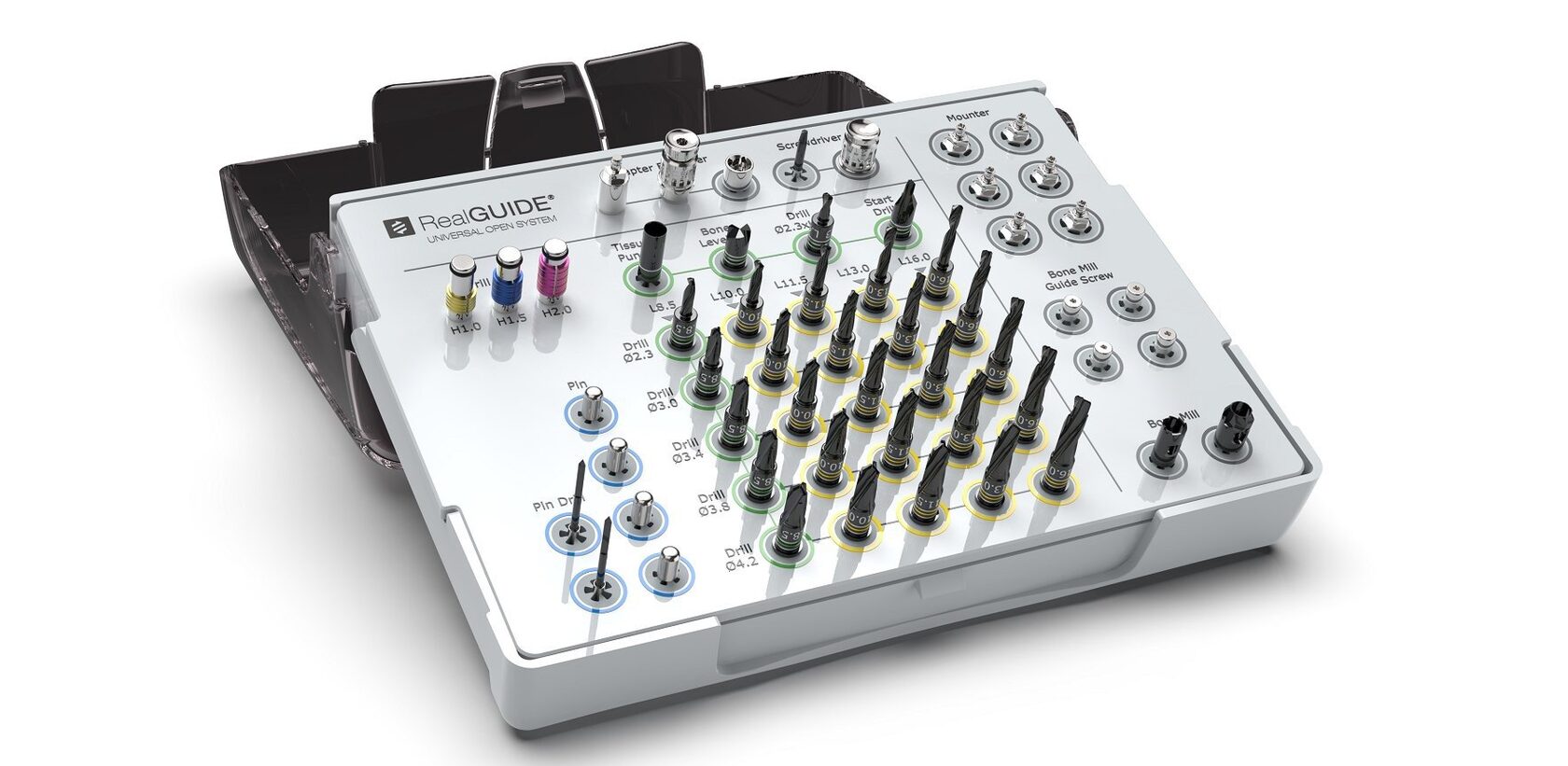
ℹ️ Please confirm that this is the
guided surgical kit you're using.
📏 What is the implant length (mm)?
Please enter a numeric value, for example 10 or 11.5.
Please enter a numeric value, for example 10 or 11.5.
12
⚙ Results for RealGUIDE kit
Implant length: 12.0 mm
RECOMMENDED SLEEVE OFFSETS
Drill length Sleeve offset
8.5 mm Not applicable
10 mm Not applicable
11.5 mm Not applicable
13 mm 6.0 mm
16 mm 9.0 mm
Example based on a demonstrated Telegram conversation.
Values are specific to the illustrated kit and input.